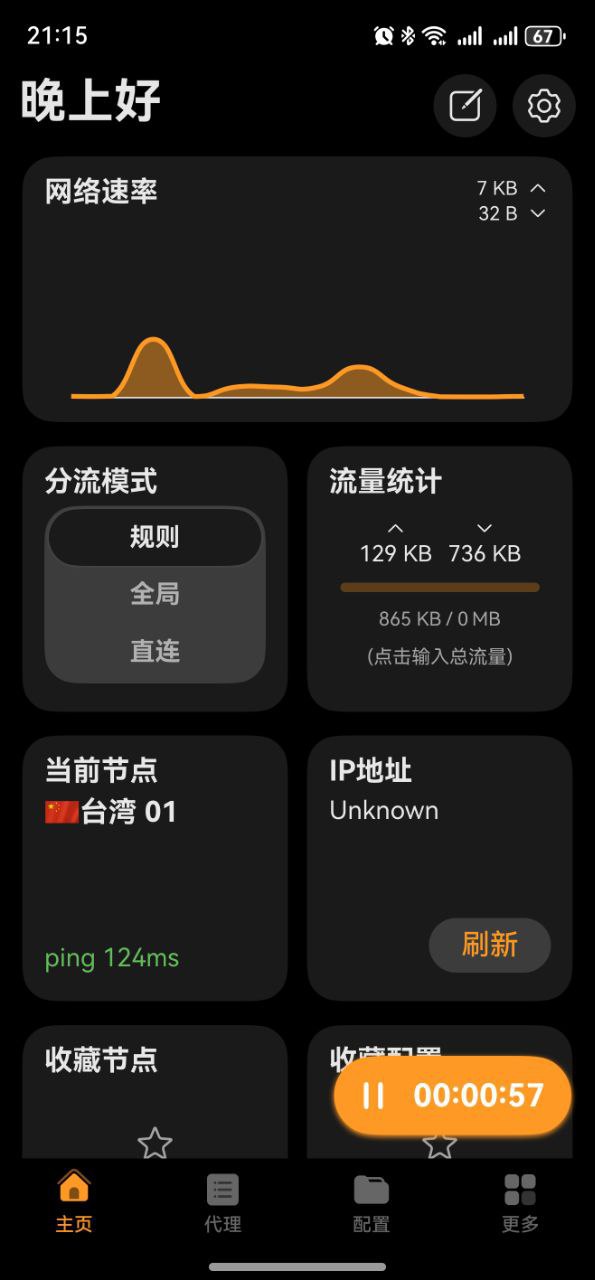
Clash Box Download & Installation Guide
A dedicated Clash client for HarmonyOS, also using the clashmeta core and supporting multiple proxy protocols.
Clash Box Download
| Platform | Version | Proxy Accelerated | Direct GitHub |
|---|---|---|---|
| HarmonyOS | 1.5.1 | Download | Download |
Note:
Proxy Accelerated: Use a jump proxy to speed up access to GitHub. If direct GitHub is too slow, try Proxy Accelerated download.
Important Notice
Clash Box is reportedly available in the Huawei AppGallery Hong Kong region. You'll need to search on your own for how to switch to the Hong Kong region.
The Clash Box provided in this article is not fully open source and only provides .hap files. The .hap files cannot be installed directly on HarmonyOS. If you don't have the ability to self-sign certificates, we recommend not using it. You can choose an alternative approach by installing Android apps through ZhuoYiTong to achieve the same proxy functionality. How to Install Clash Using ZhuoYiTong
Last updated: 2025-01-08. Please note the timeliness of this information.
Installation Steps
1. Install the Application
App Self-Signing
Step 1: Preparation
A computer (Windows or Mac).
Data cable: Connect your phone to the computer.
Enable developer mode on your phone:
Go to Settings -> About Phone -> Tap Software Version 7 times quickly until you see "You are now in developer mode".
Return to Settings -> System -> Developer Options -> Enable USB Debugging.
Step 2: Install Tools & Sideload Regular users are recommended to use community-developed automated installation tools that can automatically apply for free personal developer certificates and sign the app.
- Download the installer:
Search and download "HarmonyOS Next Auto Installer" (also known as hap-installer, commonly found on GitHub by author likuai2010) on your computer.
- Connect your phone:
Open the installer, connect your phone via data cable, and a "Allow USB debugging" popup will appear on your phone - tap Allow.
- Log in to Huawei Account:
The tool usually requires you to log in to your Huawei account (to apply for a temporary debug certificate).
- One-click installation:
Drag your ClashNEXT-LTS-1.5.1.hap file directly into the installer window.
Click Install/Sign. The tool will automatically complete signing and push the app to your phone.
2. Get a Subscription
⚠️ Important:
Please note that Clash Box is a proxy tool, not a proxy service provider. Installing it alone does not enable internet access. You need a how-choose-service (service provider) to get started. If you are unsure how to choose a provider, read How to Choose the Right Provider↗.
If you don't have a how-choose-service yet, Learn how to choose a provider↗
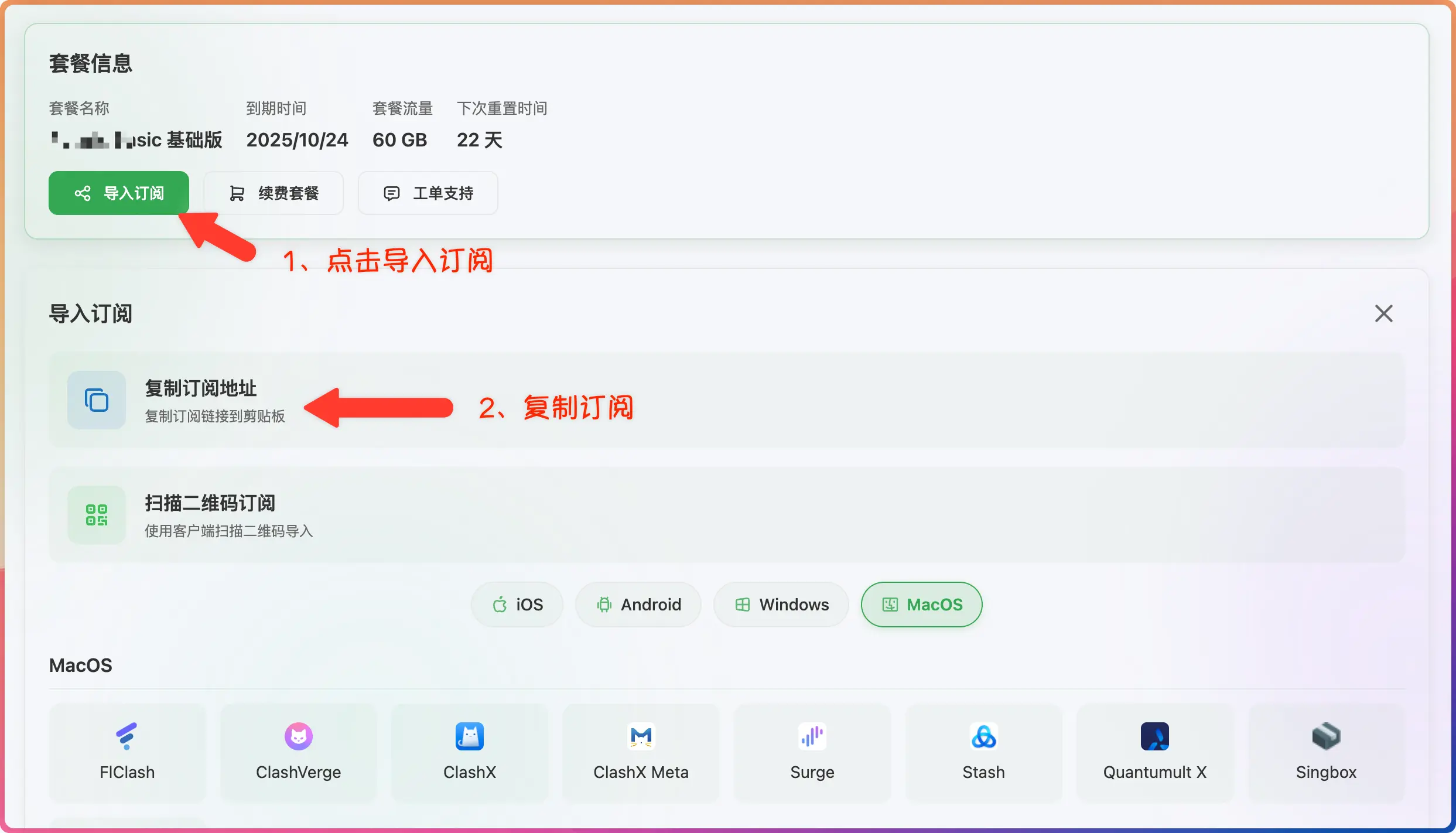
- Log in to the provider's official website
- Click to import how-choose-service
- Click to copy how-choose-service
3. Import Subscription
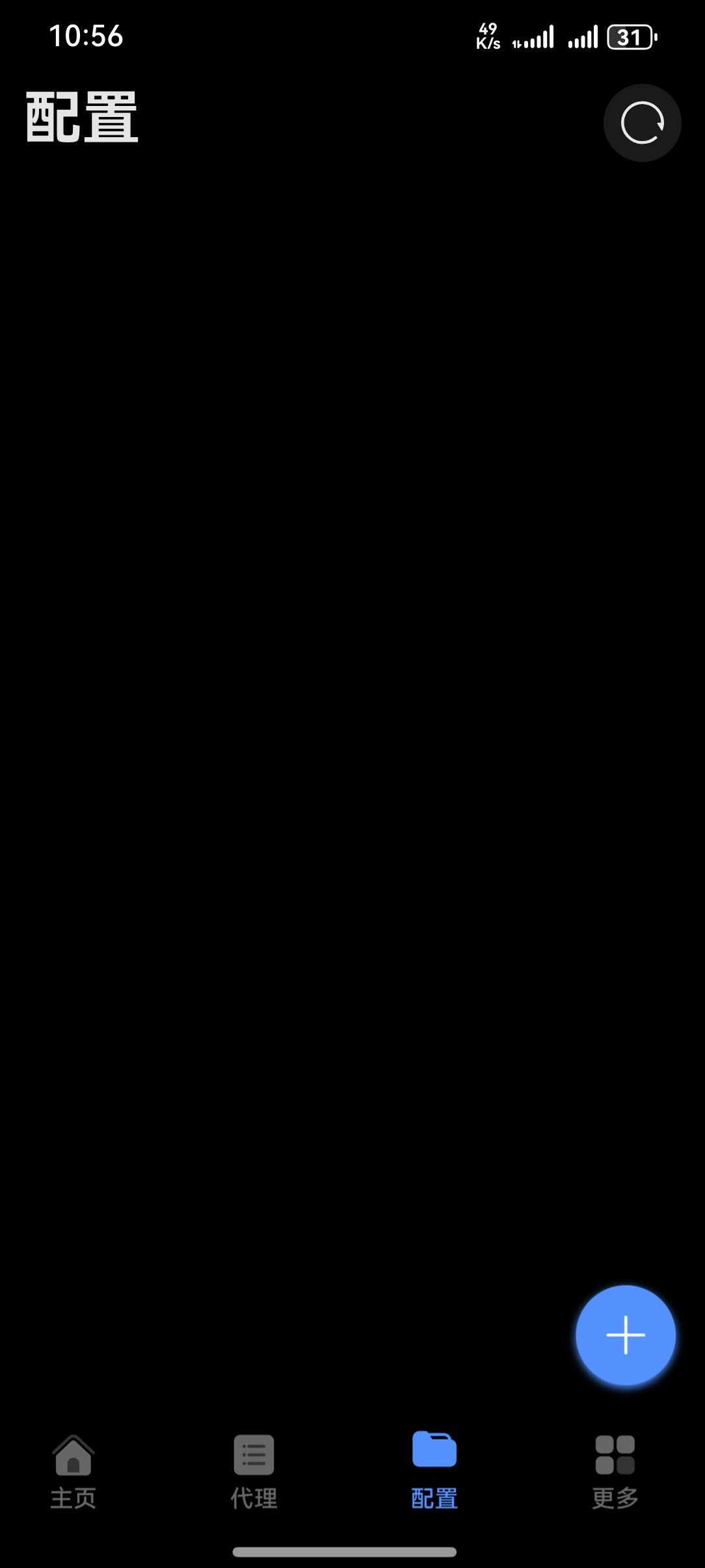
- Paste the how-choose-service address
- Click to download how-choose-service
4. Start Proxy
- Click to start the proxy